Sipmon offers you the possibility to test all the features of the Sipmon IT edition for free, with the IT-100 trial formula.
- You will be able to install up to 3 central servers, and monitor up to 100 resources.
- You will be able to use the autodiscovery feature for hosts and services, and the entire Sipmon Plugin Pack library.
Your Sipmon platform must be able to access the internet for the IT-100 license to work.
For more information, read our FAQ on Sipmon IT-100.
Procedure
- To request your free trial license, go to our website on page Try Sipmon IT Edition and fill in the following form:
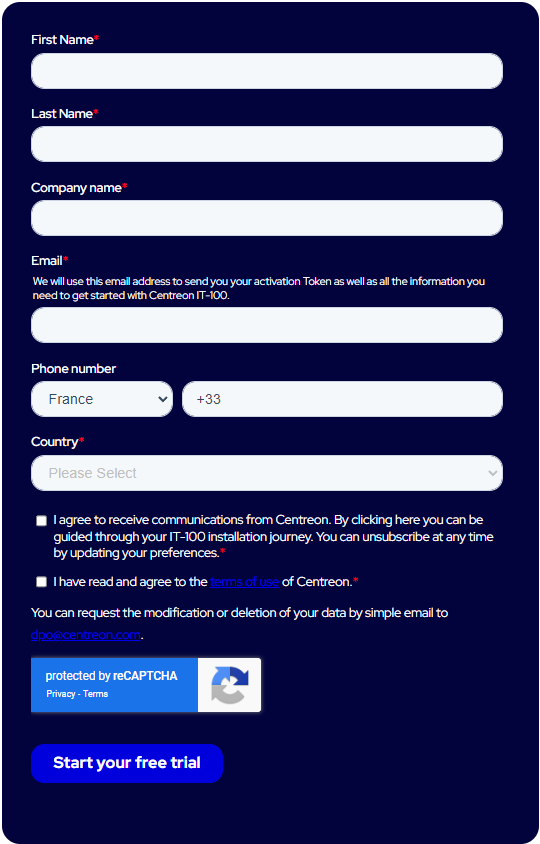
You will receive an email containing your token to try Sipmon IT edition.
Install Sipmon quickly using a ready-to-use virtual machine.
Log in to the web interface, at the following address:
http://IP_ADDRESS/Sipmon. (Replace IP_ADDRESS by the IP address or FQDN of your Sipmon web server.)The default credentials are
admin/Sipmon.Add the Sipmon IT Edition token you have received by email.
If necessary, configure the proxy to allow the Sipmon server to access the internet.
Go to Administration > Extensions > Manager and click the Add Token button:

A window opens. Enter your token and click on the Save button:
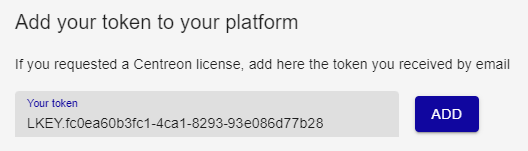
Your platform is now ready. You can monitor your first host.
Troubleshooting your IT-100 solution
If you need any help setting up your IT-100 solution, please visit the dedicated group on our community platform The Watch.