Overview
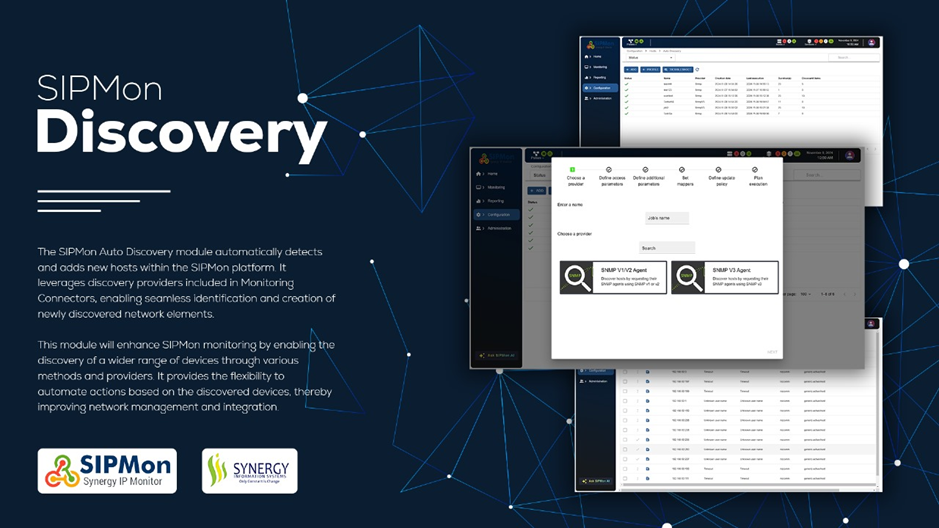 Figure: Auto Discovery Module Overview
Discovering hosts automatically
The Auto Discovery module in Sipmon lets you automatically detect and add new hosts and services to your platform without manual intervention. Using discovery providers, this tool can be set to run on a scheduled basis, continuously updating your monitoring by adding new resources as they appear.
To keep teams informed of configuration changes, contacts can be linked to service discovery rules, triggering notifications when updates occur.
How It Works
- Discovery Jobs: Create a job for each type of resource using the appropriate Monitoring providers. For example, set up one job to discover ESX nodes and another to find virtual machines within a VMware cluster.
- Discovery Rules for jobs: Establish rules tailored to a specific discovery job, like discovering devices on a network range.
- Monitoring flexibility: Once the discovery job or rule is executed, a list of all new hosts or services matching the criteria appears. Based on your setup, you can either review the list and select resources to add or enable automatic addition to your Sipmon platform.