Hostgroup Capacity Planning Linear Regression
Introduction
The Hostgroup CPU Capacity Planning Linear Regression report helps in forecasting the capacity requirements of host groups over time using linear regression analysis. This report provides insights into future resource needs, enabling better planning and resource allocation.
Steps to Generate the Report
Step 1: Define Report Details
- Report Name: Enter a unique name for your report.
- Template Name: Select the appropriate template for the report.
- Capacity Type:Select the capacity type as CPU
- Template Category: Choose the category that best fits the report template.
- Next: Click Next to proceed.
 Figure: Step 1 - Define Report Details
Step 2: Define Parameters
- Hostgroup: Select the host group for which you want to generate the report.
- From Date: Specify the start date for the report data.
- To Date: Specify the end date for the report data.
- Select Month: Choose the month for which the report is to be generated.
- Host: Select the specific host if applicable.
- Service: Provide any additional service-related inputs required for the report.
 Figure: Step 2 - Define Parameters
Step 3: Execution Plan
- Execution Plan: Select the desired execution plan.
- Press Done to finalize the parameters.
 Figure: Step 3 - Execution Plan
Step 4: Save the Report
- Review the report details and parameters.
- Press Save to store the report configuration. By following these steps, you can successfully create and execute the Hostgroup Capacity Planning Linear Regression report.
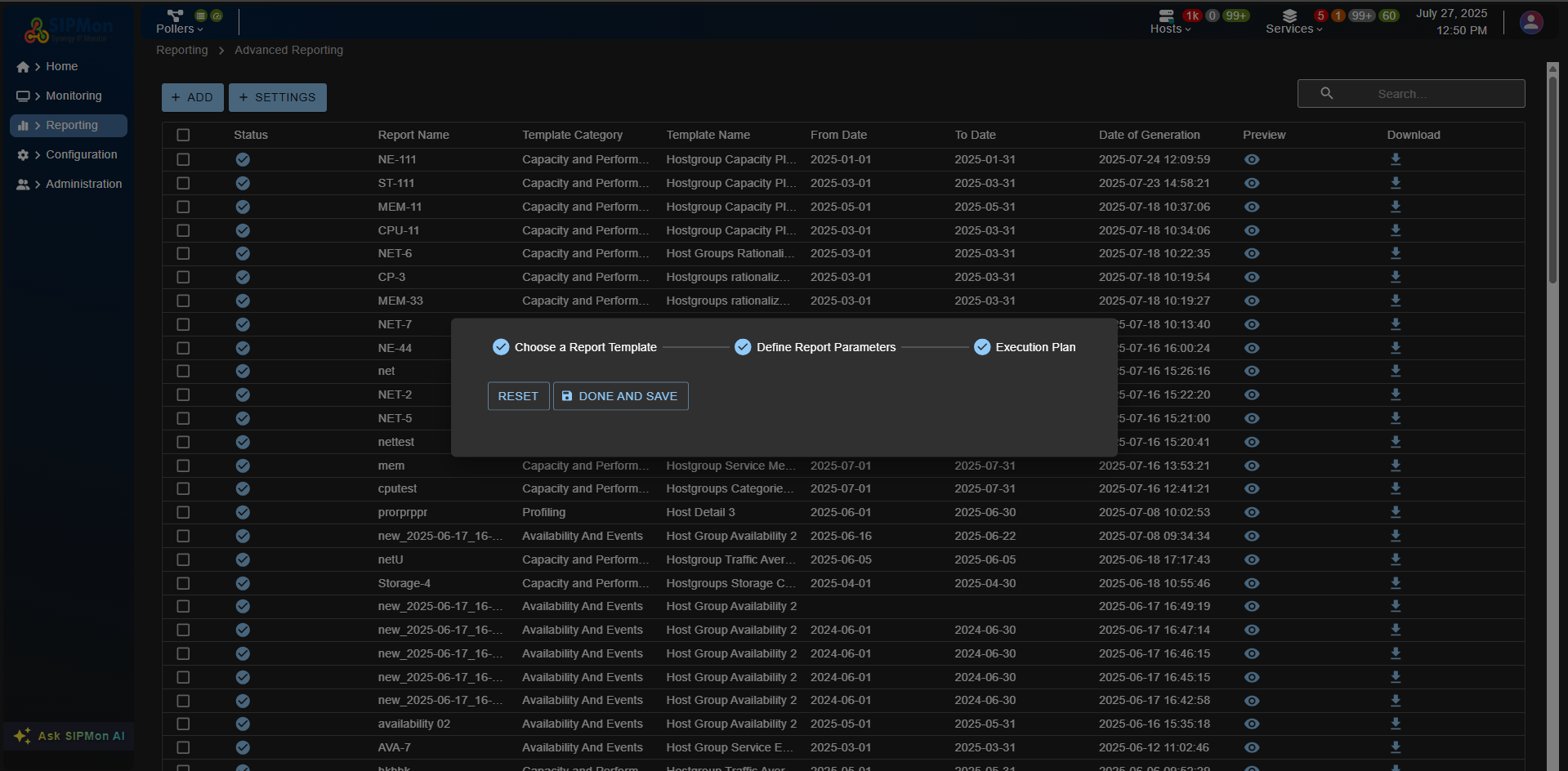 Figure: Step 4 - Save Report